
A media player that gets out of the way
Vivi is a fast, lightweight desktop player written in Rust on top of mpv, with a clean interface by default and deep customization when you want it.
Download Browse plugins
Features
Everything mpv plays, in a dark UI based on the Figma “VLC Redesign”.
Plays everything
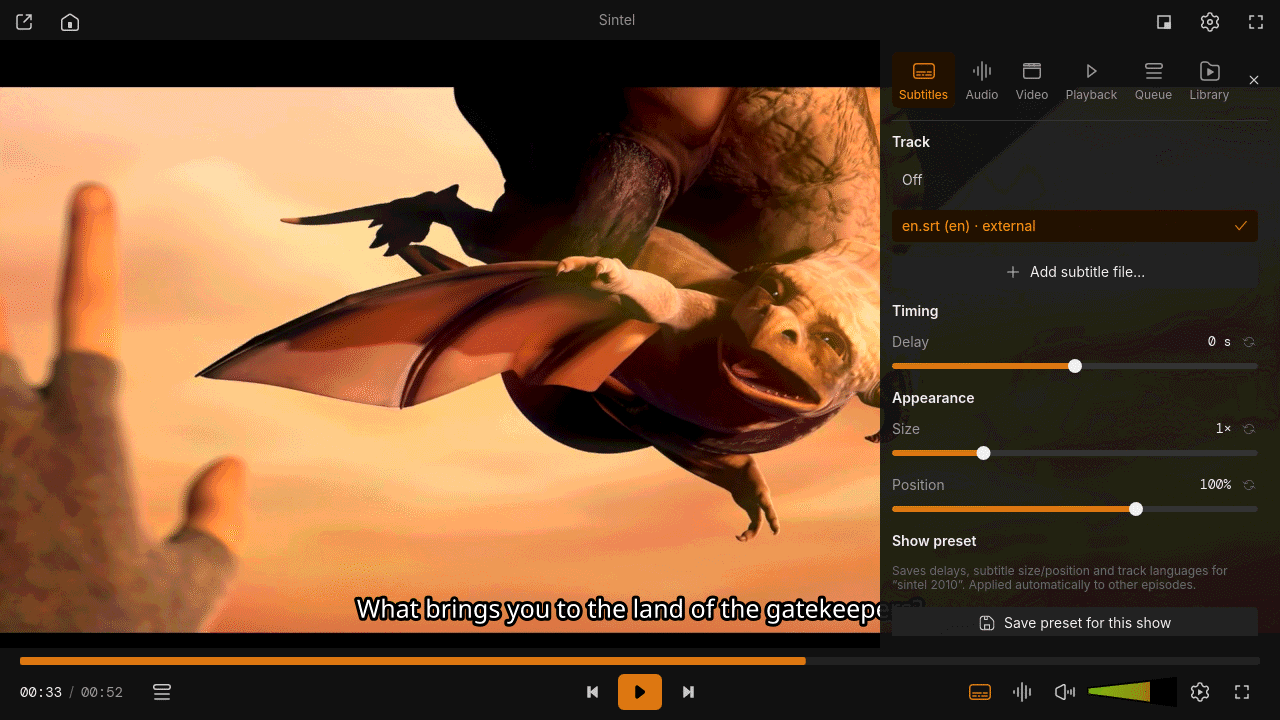
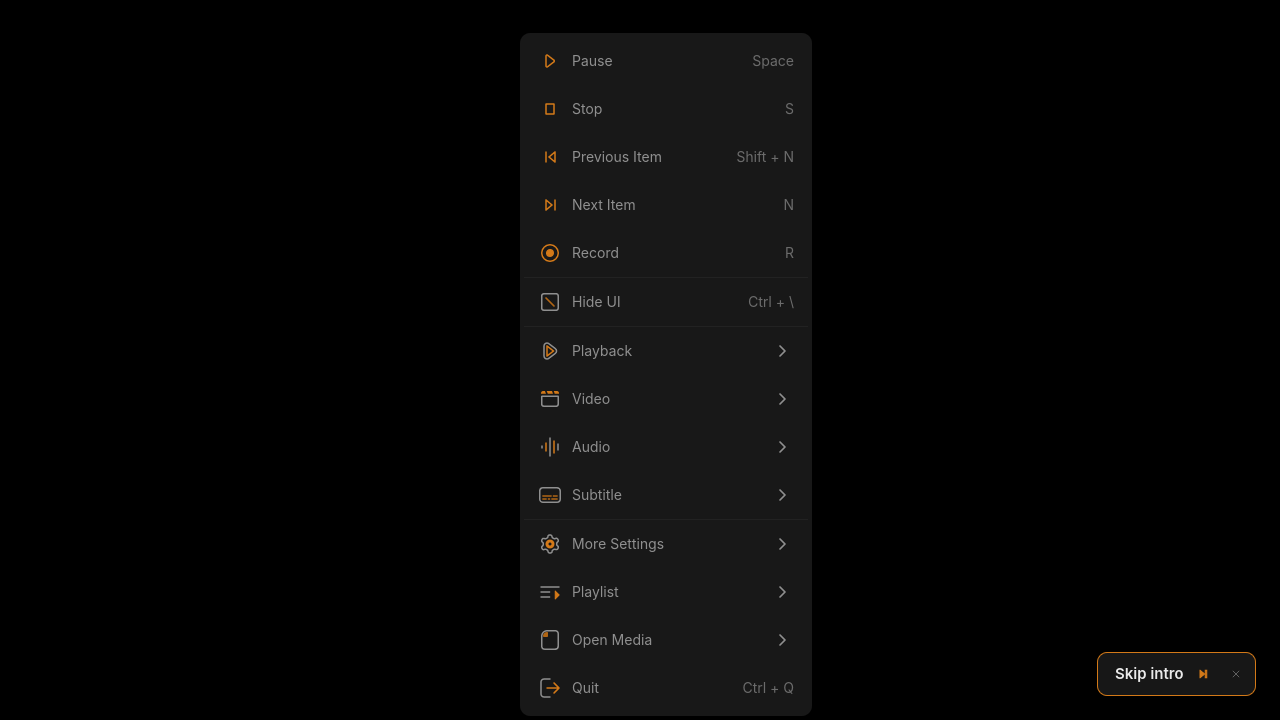
libmpv with hardware decoding, Wayland and X11, subtitles, chapters, A-B loop, speed and filters.
Library
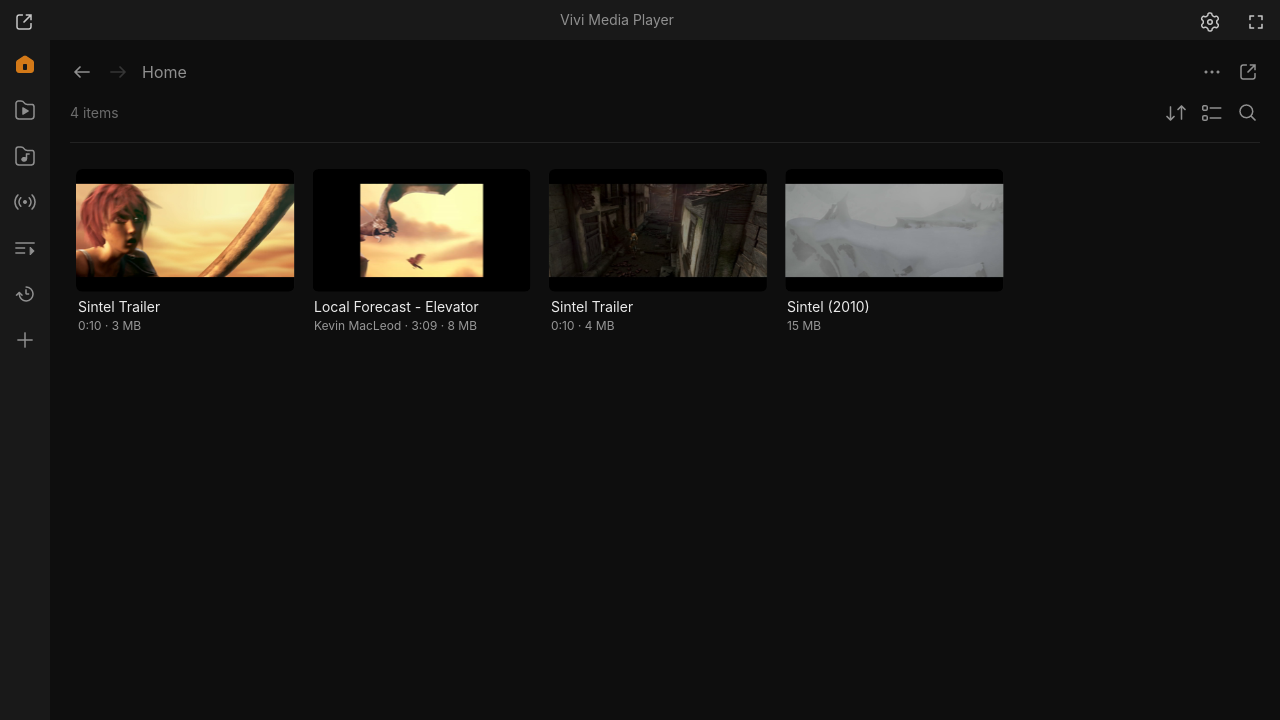
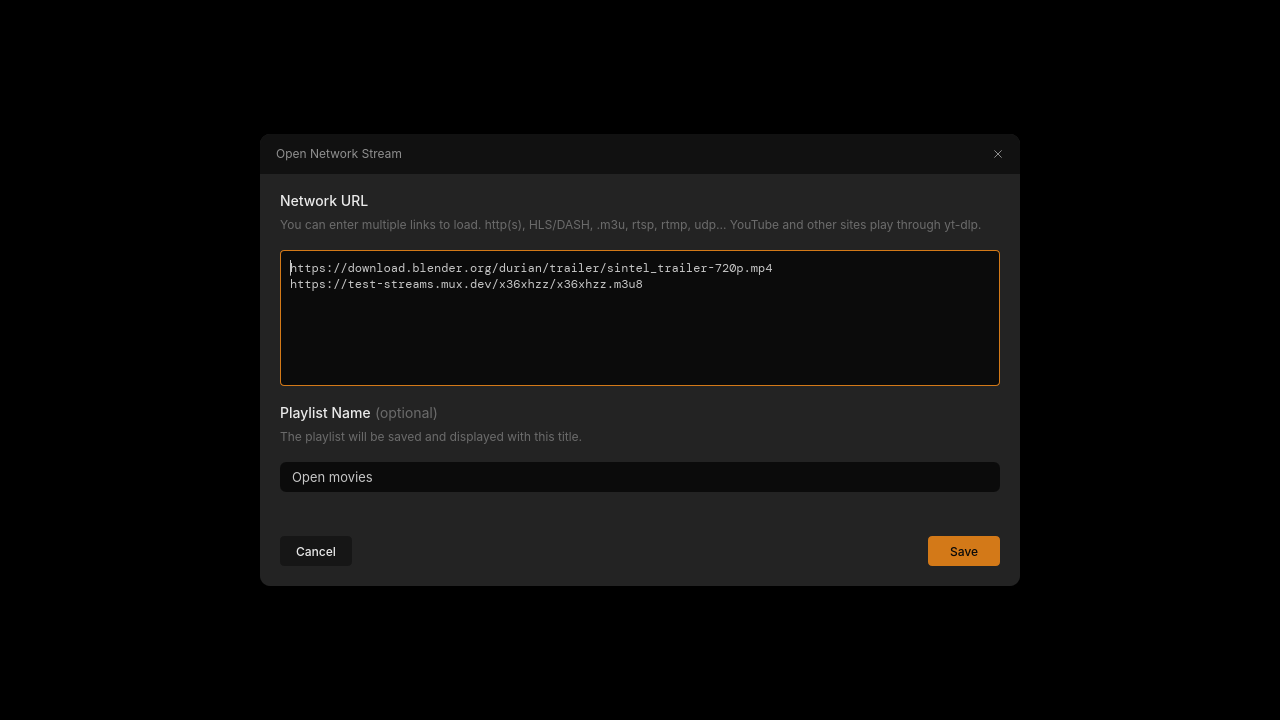
Continue Watching, music by artists and albums, folders, playlists, network streams and thumbnails.
Music visualizer
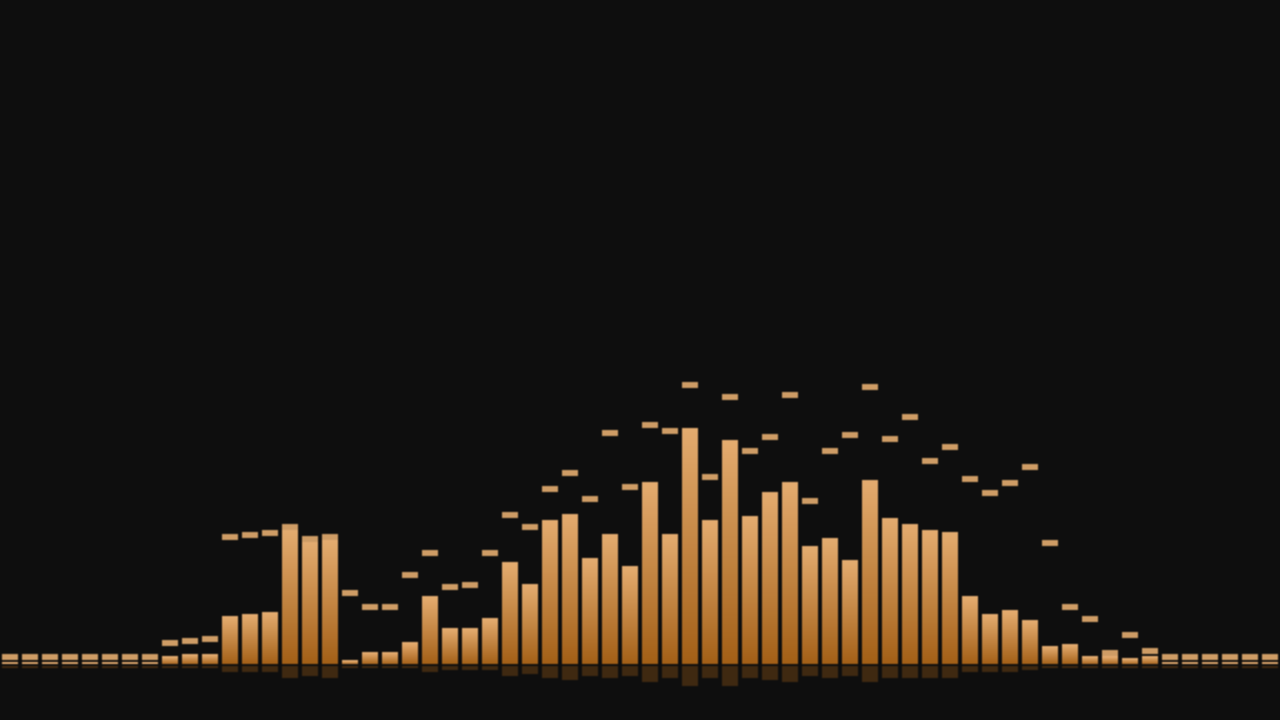
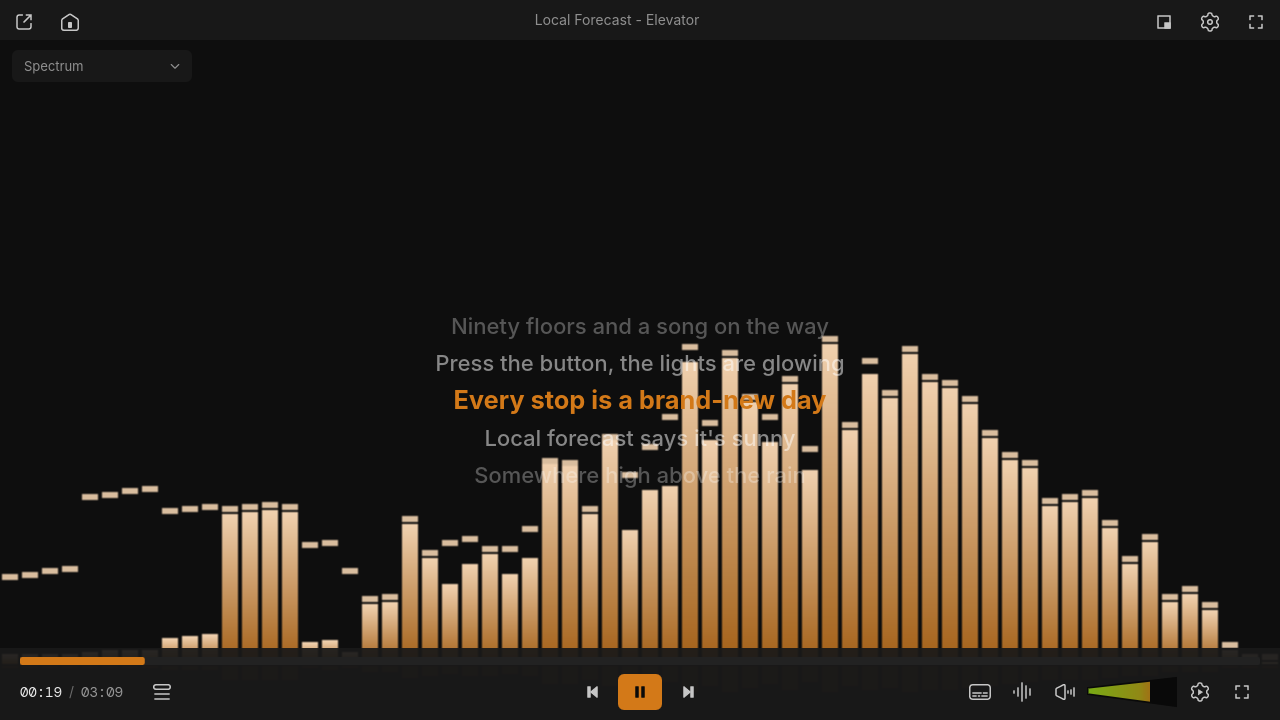
Spectrum, scope, waveform, radial, particles and pitch visuals for audio files.
Plugins
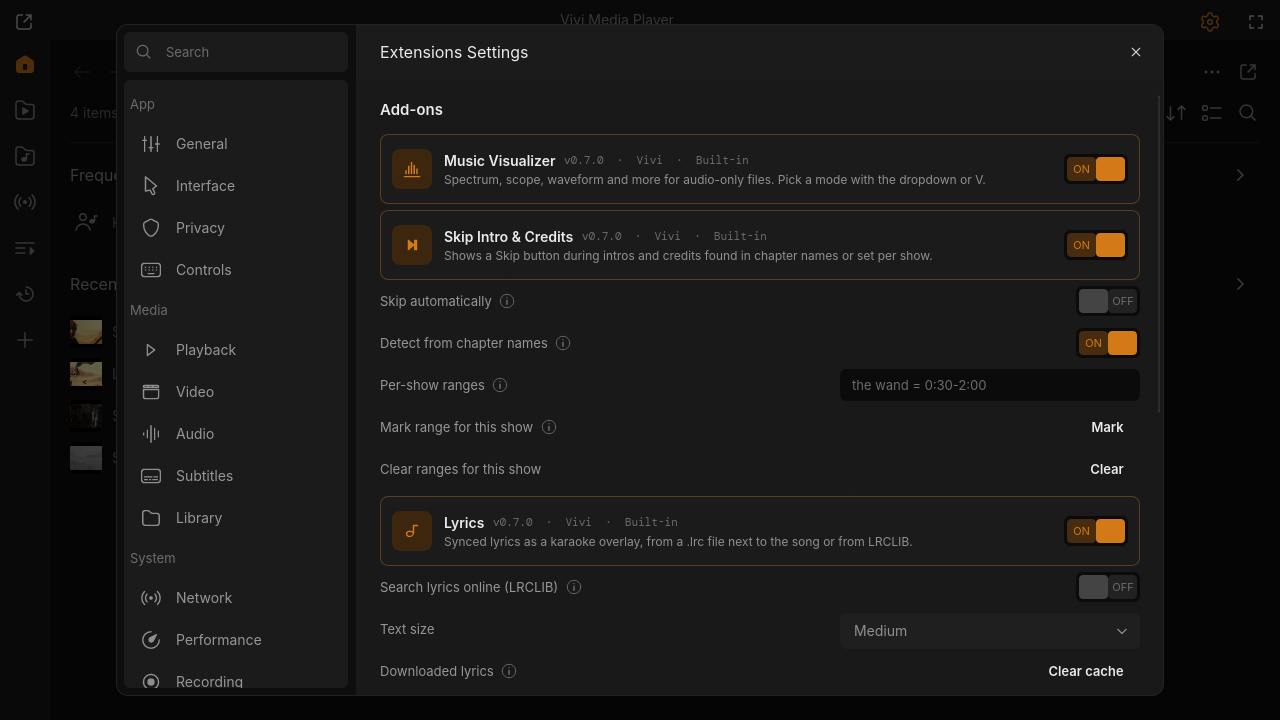
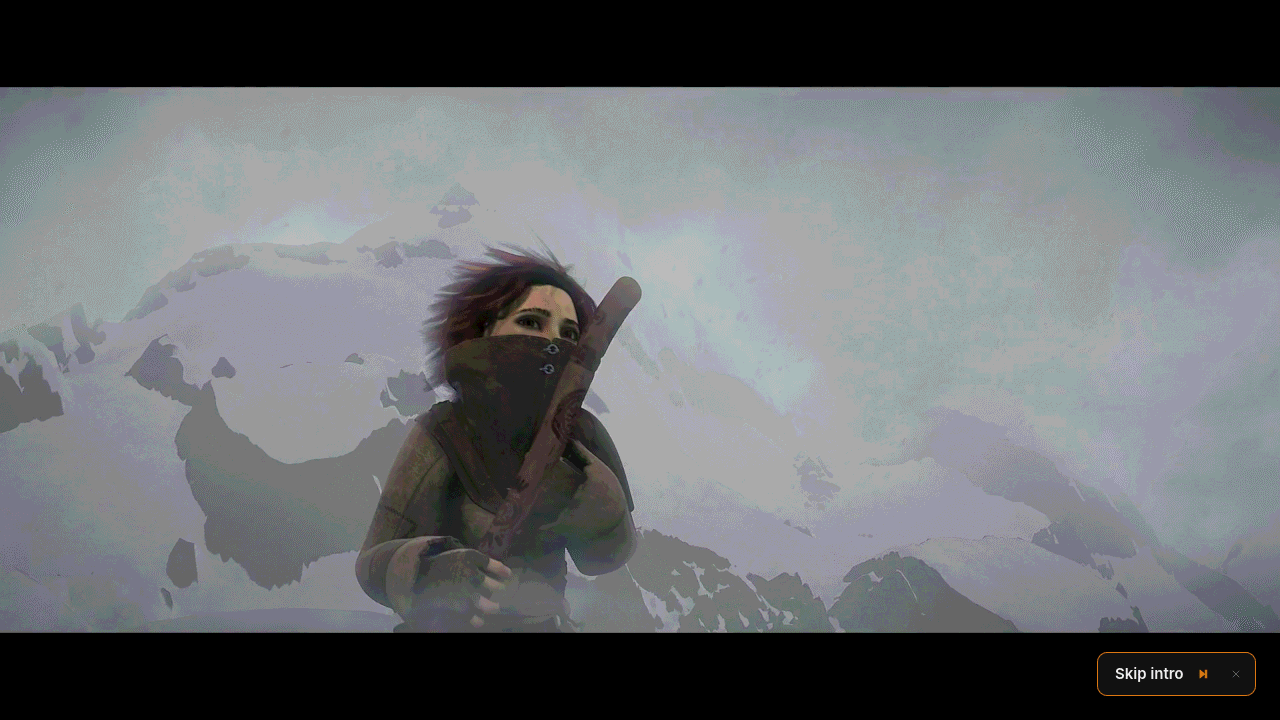
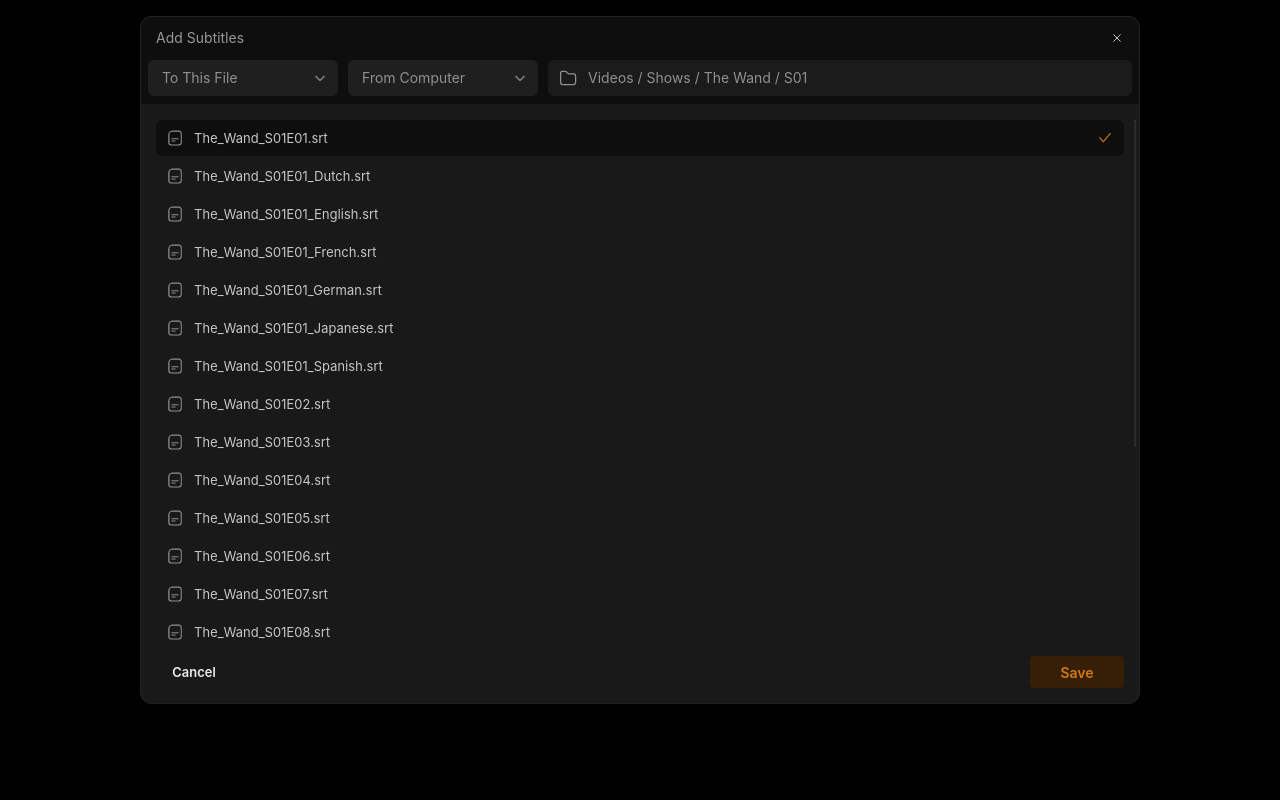
Skip intros, karaoke lyrics, subtitle search, plus any mpv Lua or JavaScript script.
Remembers
Resume positions, per-show presets for delays and track languages, recent files.
Everywhere
AppImage, Arch packages, Windows and macOS builds; MPRIS media keys on Linux; responsive down to 480 px.
Screenshots
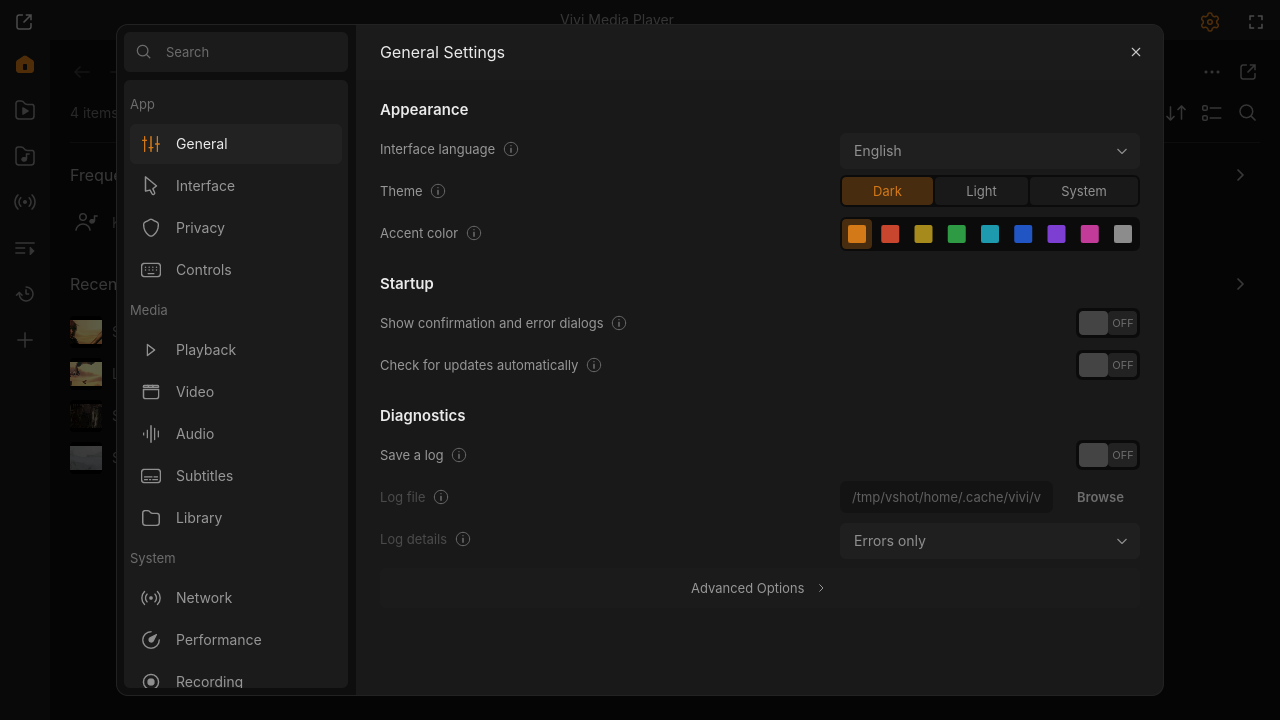
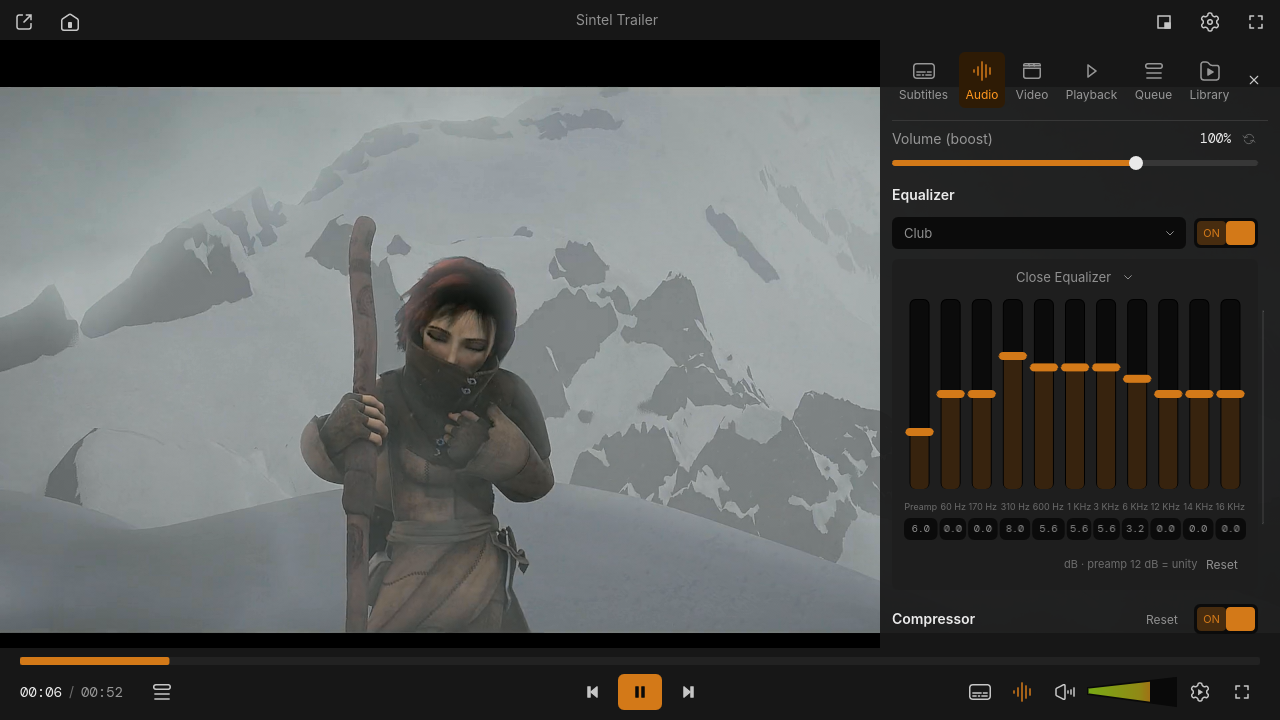
Captured from the release build. Click to open full size.
Plugins
Turn them on and off in Settings → Extensions. See the catalog
Install
# Linux (x86_64): latest release, checksums verified
curl -fsSL https://viviplayer.app/install.sh | sh

# uninstall (settings and library stay)
curl -fsSL https://viviplayer.app/install.sh | sh -s -- --uninstall
On Arch it builds the vivi-bin package with makepkg -si; on other distributions it installs into ~/.local and checks for libmpv. Read the script.
# From source (Arch / Omarchy)
git clone https://github.com/Loafer19/vivi && cd vivi
sudo pacman -S --needed mpv sqlite rust
cargo build --release && ./target/release/vivi
Prebuilt AppImage, tarball, Windows and macOS builds are on the releases page.
Work in progress: not every frame of the Figma design is ported yet (equalizer and filter panels, network stream and new playlist dialogs, miniplayer queue variant). Progress is tracked in the milestones.